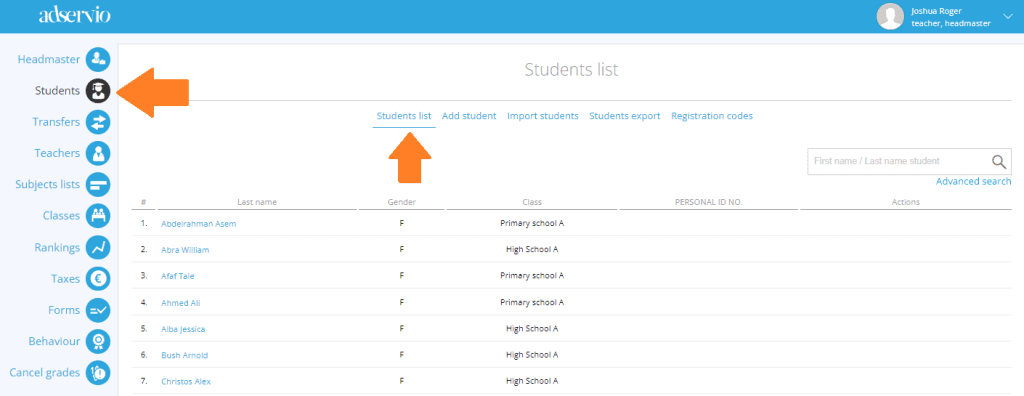
1. In the main menu, select the Students module, then click on the Student list option;
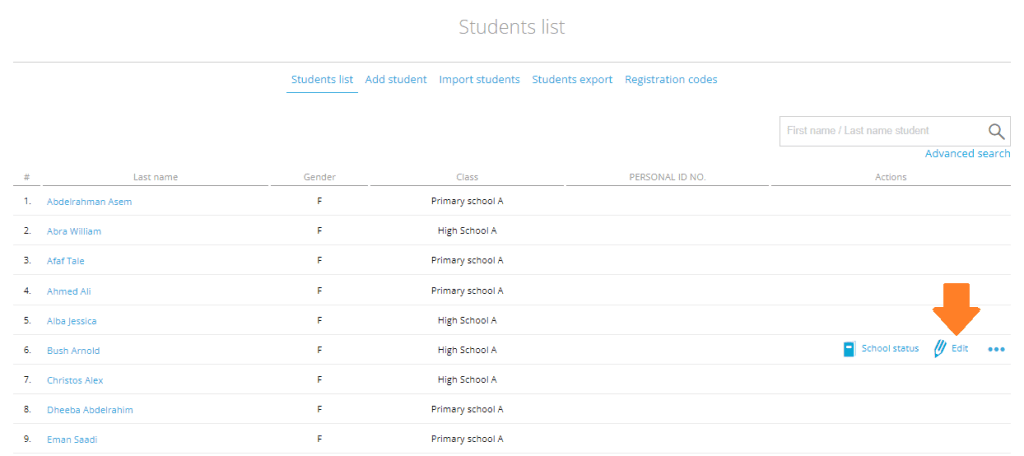
2. Click on the Edit button;
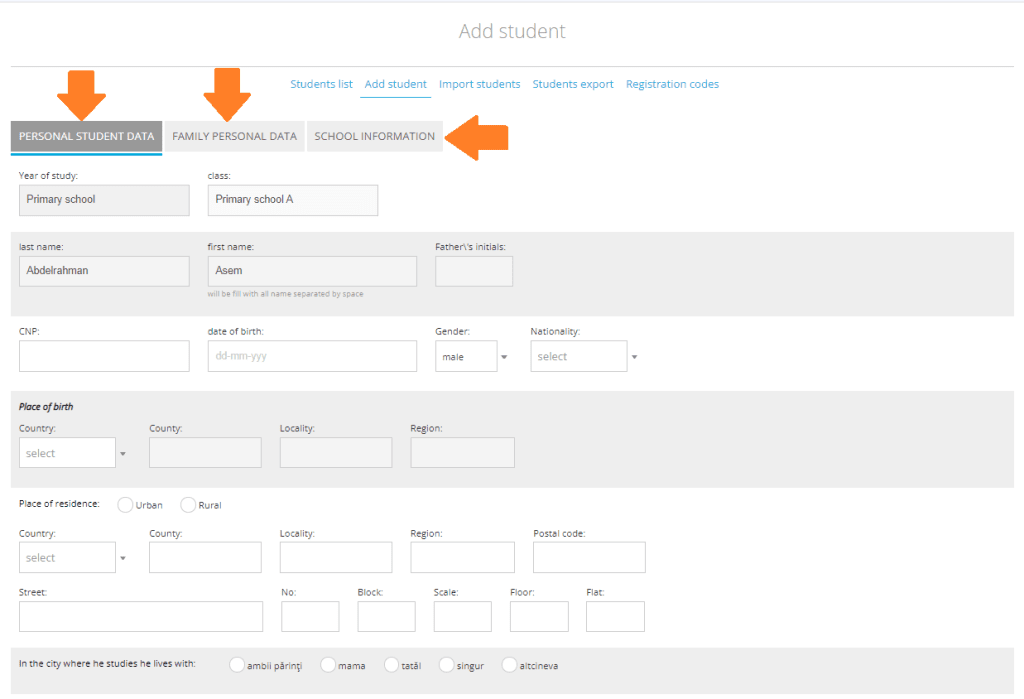
3. In this section, you can edit the student’s personal data, their family data and school records;
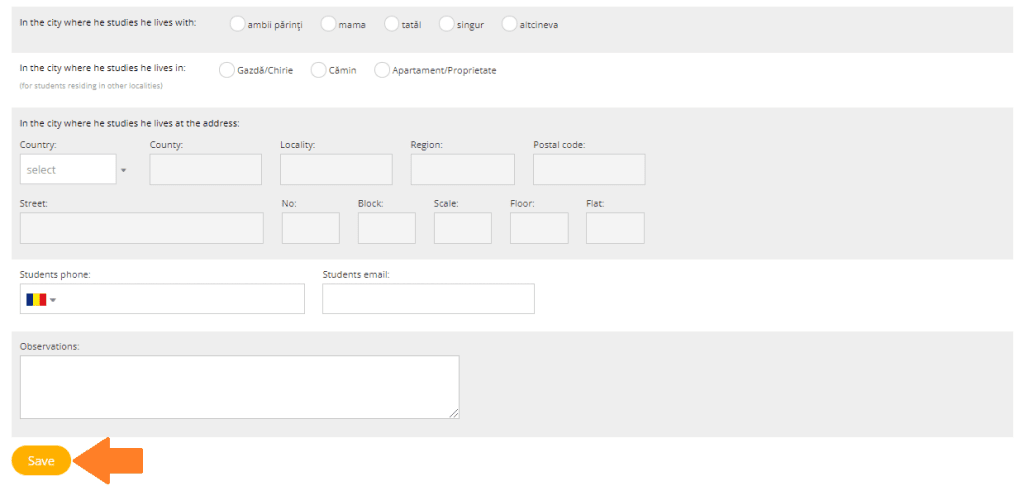
4. Once you have finished editing, click on Save.